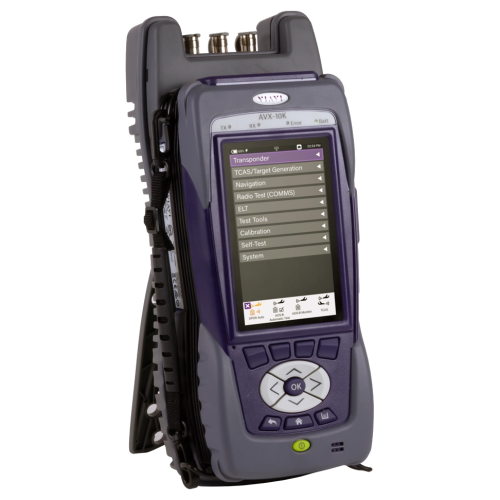
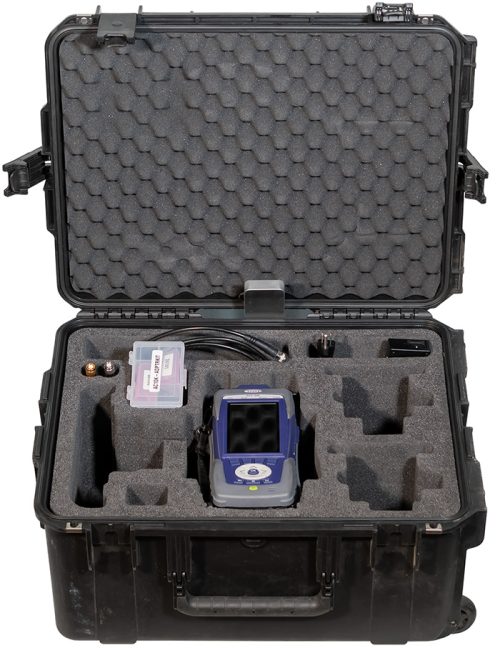
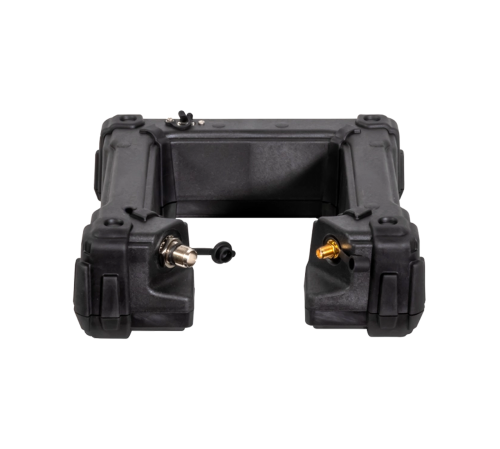
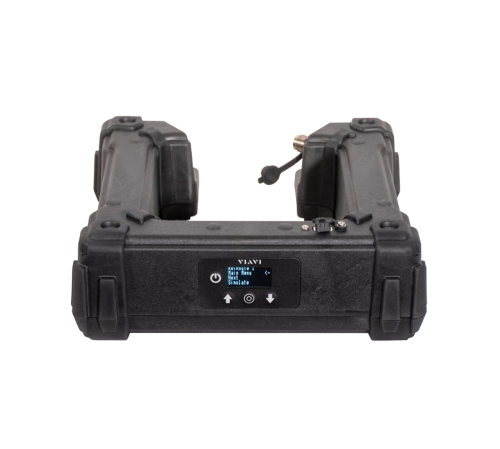
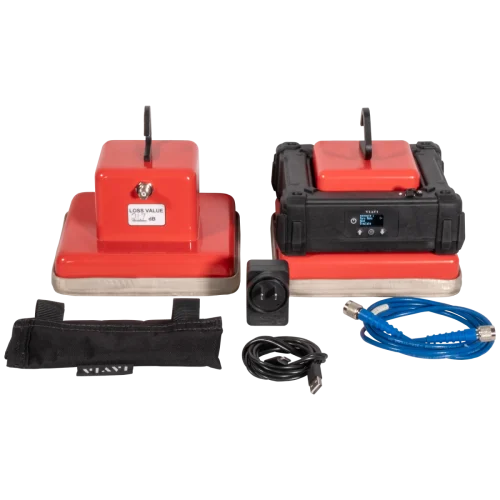
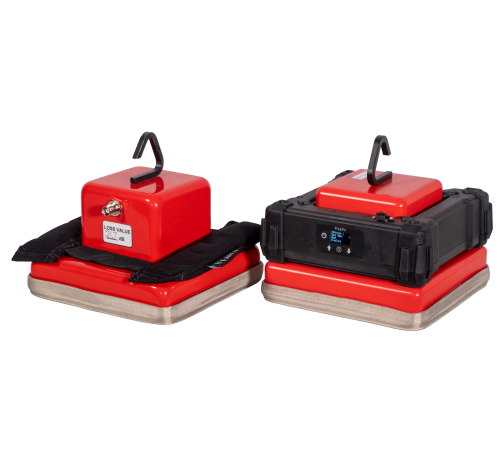
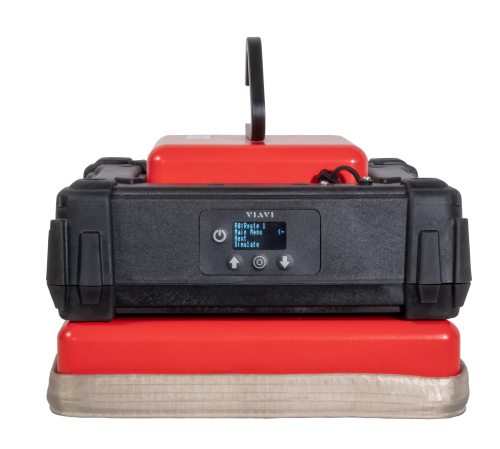
An economical simulator with high-end test capability, the OSPREY GPS Simulator is ideal for validating the performance of GPS-enabled devices. Does not come with an antenna coupler.
OSPREY-GPSSIM
An economical simulator with high-end test capability, the OSPREY GPS Simulator is ideal for validating the performance of GPS-enabled devices.
OSPREY-2 includes the OSPREY GPS Simulator, dual antenna couplers, a soft case, a coupler weight, power adapter and cabling.
OSPREY-2
An economical simulator with high-end test capability, the OSPREY GPS Simulator is ideal for validating the performance of GPS-enabled devices.
OSPREY-1 includes the OSPREY GPS Simulator, a single antenna coupler, a soft case, power adapter and cabling.
OSPREY-1
Enables the ADS-B Auto and ADS-B Monitor applications.
Enter the Unit Serial Number that starts with “RRWM” and has 10 following digits in the field below.
Find it on the side of the unit.
Enables the COMM application
Enter the Unit Serial Number that starts with “RRWM” and has 10 following digits in the field below.
Find it on the side of the unit.
Enables the DME application.
Enter the Unit Serial Number that starts with “RRWM” and has 10 following digits in the field below.
Find it on the side of the unit.
Enables the ELT application.
Enter the Unit Serial Number that starts with “RRWM” and has 10 following digits in the field below.
Find it on the side of the unit.
Enables the enhanced Comms features which includes a headset interface and test scripting.
Enter the Unit Serial Number that starts with “RRWM” and has 10 following digits in the field below.
Find it on the side of the unit.
Enables the ILS and VOR application.
Enter the Unit Serial Number that starts with “RRWM” and has 10 following digits in the field below.
Find it on the side of the unit.